Skip to content
Rockstar Excel

Using spreadsheets to make your life easier

  • Home
  • Excel Tips Blog
  • Excel Made Easy class
  • Newsletter
  • Submit Your Questions
  • Book a Free Consultation
  • Testimonials
  • About Rockstar Excel

Tags in Excel: How to Implement Them in Seconds

Leave a Comment / Intermediate, Quick Tips

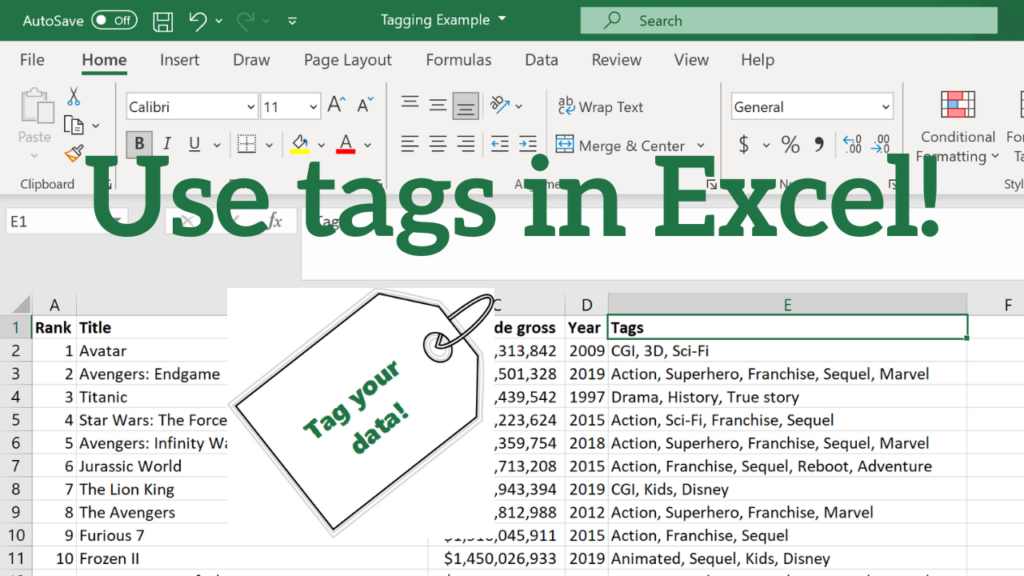
Have you ever wanted to use tags in Excel? Maybe you want to assign tags in Excel for your business contacts, friends, or favorite recipes. You may have many different tags, frequently create new ones, and an arbitrary amount of tags assigned to each individual. It’s extremely easy to do this using filters and Excel’s […]

Tags in Excel: How to Implement Them in Seconds Read More »
Standardize names in Excel thumbnail

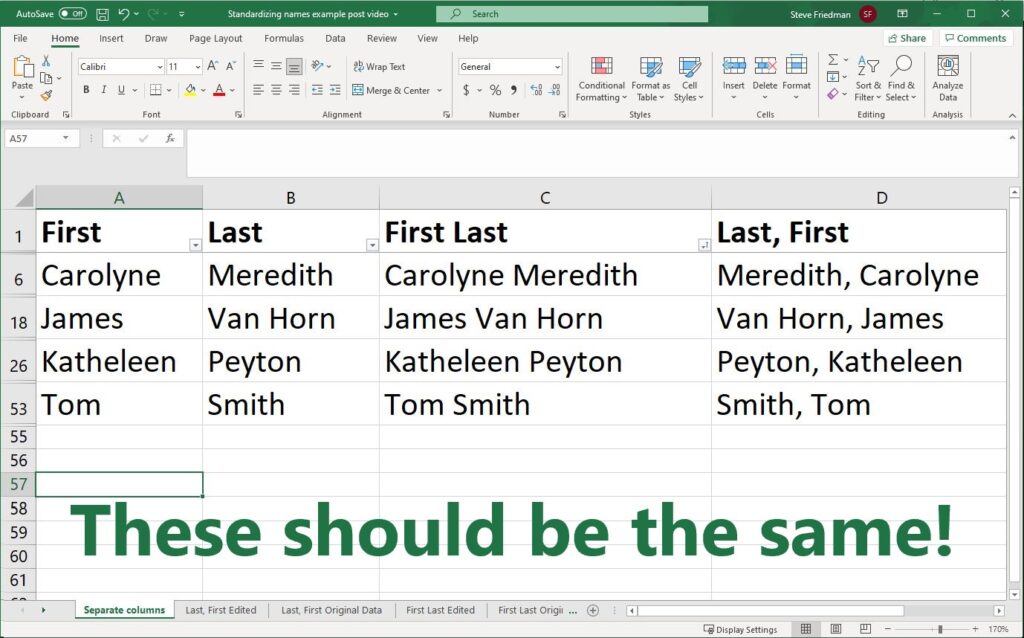
How to Standardize Names in Excel

Leave a Comment / In-Depth Explanations, Intermediate

You may want to standardize names in Excel if you’re combining multiple sources where the names come in different formats. Sometimes the first and last name are in different columns. Sometimes you have the full name – or the first and last name separated by a space. And sometimes you have the last name, comma,

How to Standardize Names in Excel Read More »

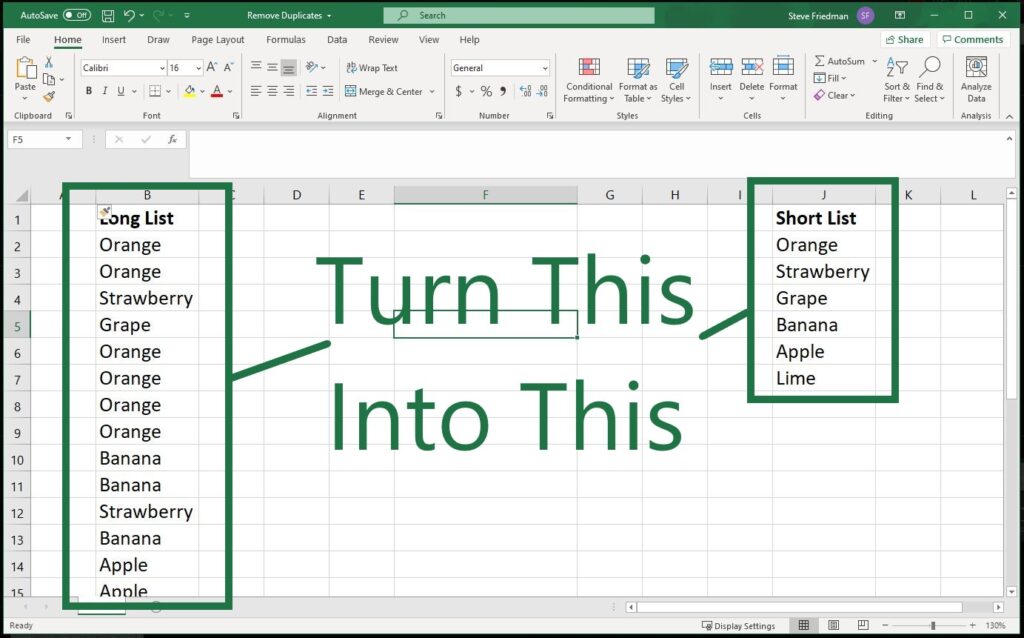
Remove Duplicates thumbnail

2 Easy Ways to Remove Duplicates From a List in Seconds

Leave a Comment / Intermediate, Quick Tips

Have you ever wanted to remove duplicates from a list in Excel? It’s a common issue. You have a long list of names or other values where some of them are repeats, and you need a list where each value appears only once. There are two quick and easy ways to do this. Method 1:

2 Easy Ways to Remove Duplicates From a List in Seconds Read More »

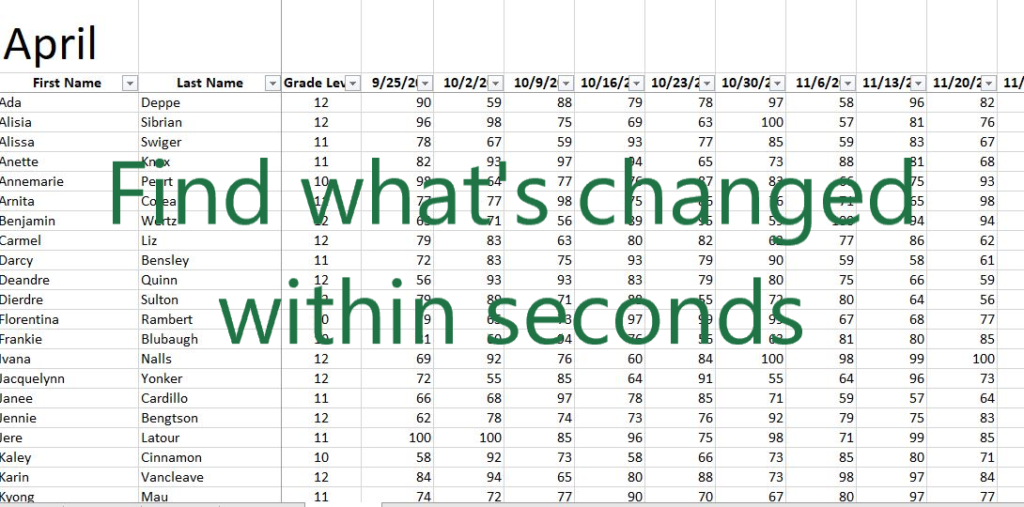
Three quick ways to compare data sets in Excel

1 Comment / In-Depth Explanations, Intermediate

Sometimes you need to compare large data sets. You may have two workbooks with thousands of rows, and want to know what’s changed between them. There are a lot of ways to do this in Excel, but some are harder and more time-consuming than others. I received a question about the best/fastest way to do

Three quick ways to compare data sets in Excel Read More »

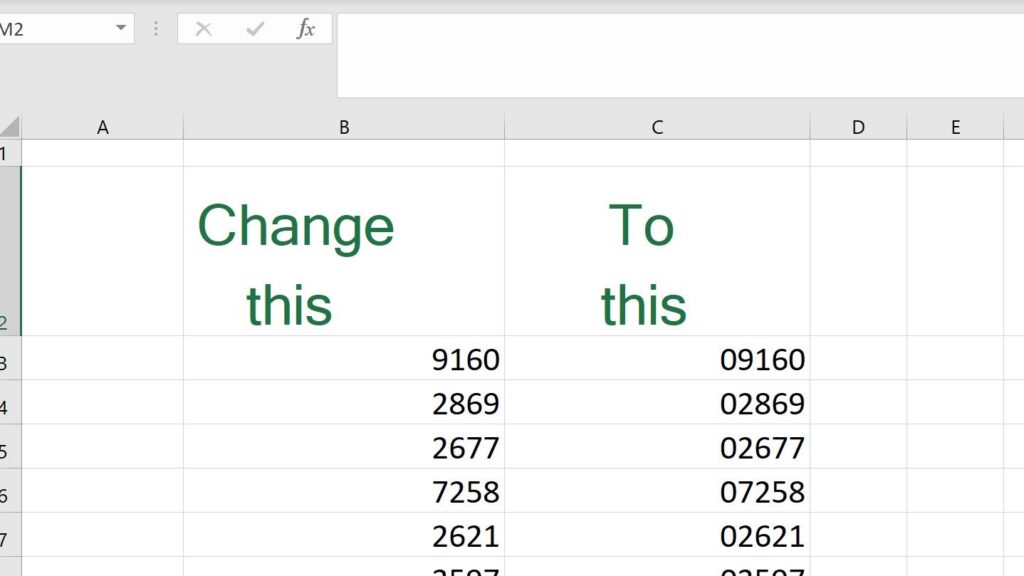
Fix leading zeros in zip codes in Excel in 10 seconds

1 Comment / Intermediate, Quick Tips

There are sometimes leading zeros in zip codes in the United States. Meaning that a 5-digit US zip code could be something like 03842. But Excel assumes numbers shouldn’t start with zeros, and removes them. There’s an easy way to fix leading zeros in zip codes that takes literally 10 seconds – no matter how

Fix leading zeros in zip codes in Excel in 10 seconds Read More »

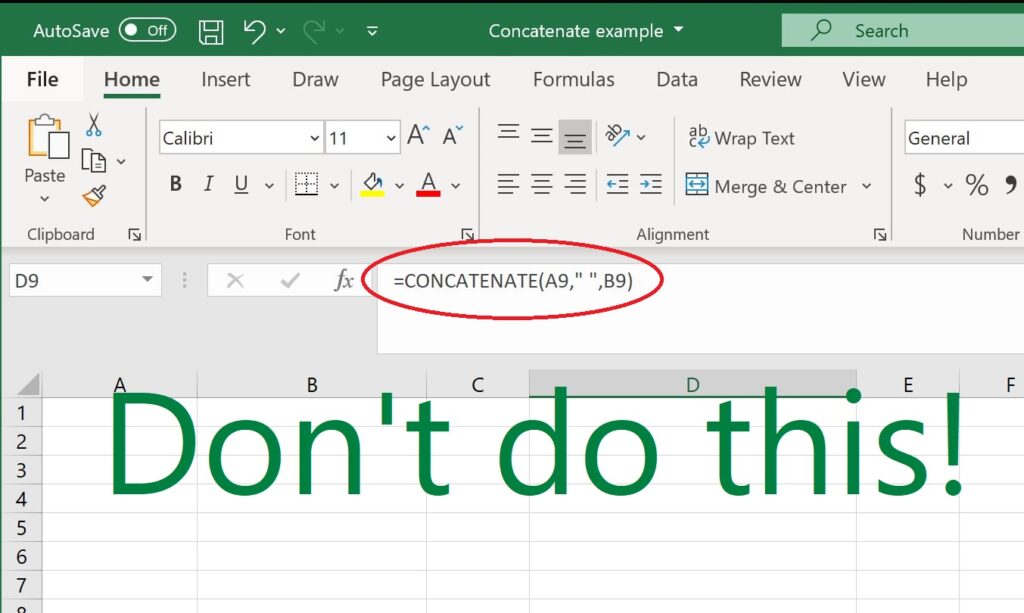
Never use CONCATENATE! Use & instead

Leave a Comment / Beginner

Never use the CONCATENATE function in Excel! Sometimes you’ll read Excel tips suggesting the CONCATENATE function as a great tool you may not have known about. And CONCATENATE would be super useful, except that there’s a much better and easier way to do exactly what CONCATENATE does. CONCATENATE joins two or more text strings –

Never use CONCATENATE! Use & instead Read More »

Freezing Panes to Make Your Life Easier

Leave a Comment / Beginner, Quick Tips

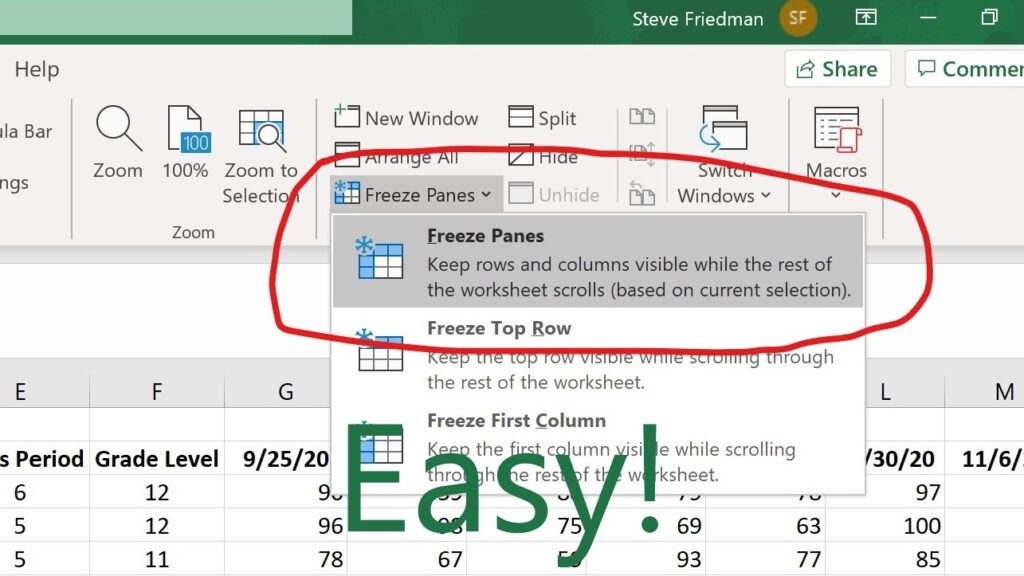
Freezing panes will make your life a whole lot easier. Anytime you have a spreadsheet that is too big to fit on one screen, you have a problem. When you scroll down, you can’t see the column headers. And when you scroll to the right, you can’t see the row labels. You end up having

Freezing Panes to Make Your Life Easier Read More »

Filters: Excel's Easy Button

Filters: Excel’s Easy Button

6 Comments / Beginner, Quick Tips

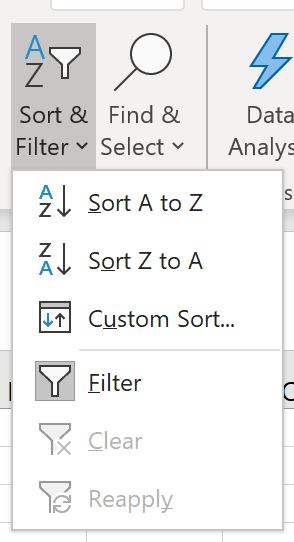
Filters are Excel’s “Easy” button. They let you be faster, more effective, and quickly analyze data. They’re incredibly simple to use. All it takes are a few clicks. But few beginners are aware of them. When I show filters to my clients, it tends to blow their minds. The immediately see the possibilities for how

Filters: Excel’s Easy Button Read More »

Using SUMIFS to Build an Expense Tracker in 14 Minutes

4 Comments / In-Depth Explanations, Intermediate

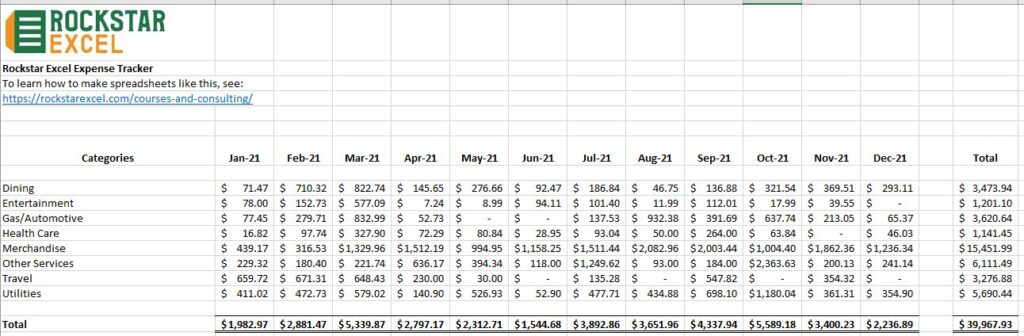
SUMIFS is one of the most powerful tools in Excel. In this video, I show how you can easily use SUMIFS to rapidly create a fully functional, well-polished tool to track and categorize your expenses, in under 15 minutes. To learn more about creating tools like this, using Excel to get more done in less

Using SUMIFS to Build an Expense Tracker in 14 Minutes Read More »

Mastering Excel With the ROCKSTAR Method

Leave a Comment / Site Information

The philosophy behind Rockstar Excel is that building a spreadsheet is a creative act. Being a rockstar at Excel isn’t about knowing how to do things. It’s about knowing when and why to do them. So how do you know which tools, methods, and strategies to use in different situations? To help, we’ve developed the

Mastering Excel With the ROCKSTAR Method Read More »

← Previous 1 2 3 4 Next →

Recent Posts

  • How to fix broken dates in Excel
  • How to update Rockstar Excel Expense Tracker for new year
  • How to do an XLOOKUP with multiple variables
  • Make a Goal Tracker in Excel in 11 Minutes
  • Build a Dungeons and Dragons Initiative/Hit Point Tracker in Excel in Seconds